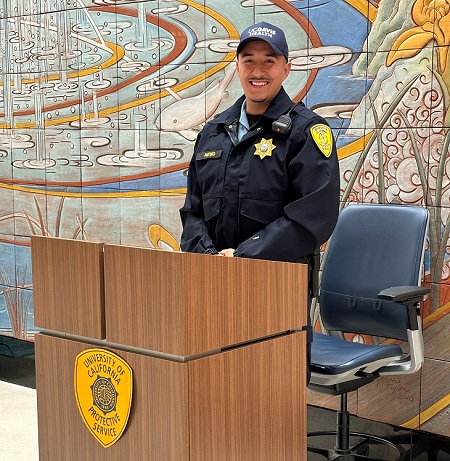
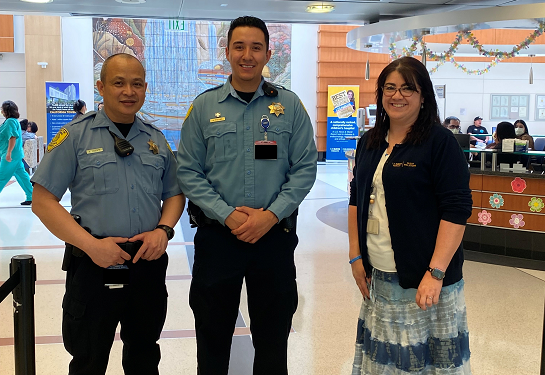
"National Celebrate Healthcare Security and Safety Week" is Oct. 11-17, 2026. This year’s theme—“Securing the Mission of Quality Care”— reflects the vital role UC Davis Health Protective Services Officers fulfill 24 hours a day, seven days a week.
Our protective services officers (PSOs) are vigilant, compassionate, and selflessly put themselves on the front lines every day, demonstrating their dedication and commitment to serving others.
Captain Mark Brunet of the UC Davis Police Department shared: “Healthcare security officers are more than protectors; they are an essential part of the care team. Through their vigilance, compassion, and unwavering commitment, they help create a safe and secure environment where patients, families, and staff can focus on what matters most—quality care.”
Whether ensuring physical safety, responding to challenging situations, or simply providing a reassuring presence, UC Davis Health PSOs help create an environment where staff can focus on their important work and patients and families can receive care with greater peace of mind.
Please take a moment to recognize and thank our outstanding UC Davis Health Protective Services Officers for their dedication, professionalism, and commitment to serving our healthcare community.
How to contact security
As a reminder, the best way to contact security or police is as follows:
Via Telephone
Call 916-734-2555 (4-2555 from a desk line). From that number, UCDPD communications can dispatch security, police, and fire resources. We highly recommend that you save this number as a favorite in your desk/cell phone. Do not call the front Pavilion desk for Security/Police services as this may result in a delayed response.
Via Vocera
For emergency situations that require an immediate response, on older Voceras double-click the call button and on newer Voceras press the red emergency button. These will go to everyone in the unit that the user is signed onto AND all security/police Vocera users.
For non-emergency situations that do not require an immediate response, simply press the call button, and ask for the “Security Supervisor.”